

For a busy HVAC owner, voice logging helps more than manual entry because it captures job details faster and reduces transcription errors. This guide explains how voice-first workflows improve efficiency, minimize data mistakes, and validate structured records. It covers the specific benefits of speaking notes versus typing them into a dashboard. For additional details, review the Terms of Service HeyFred.
Voice Logging Efficiency
Voice logging is a method where users speak job details into a device instead of typing them. For HVAC technicians, this approach drastically reduces the time spent on administrative tasks after a job. Speaking is naturally faster than typing on a small mobile screen, especially in the field. A technician can dictate a full summary of a repair, parts used, and customer interactions in under a minute. This speed allows the business owner to keep the job data fresh and accurate. For additional details, review the HeyFred The AI employee.
Speed of Capture
Manual entry often requires navigating through multiple menus to find the right job record. Voice logging bypasses this friction. The user simply holds a button and speaks. The system transcribes the audio into text and structures it into the appropriate fields. This immediate capture prevents the backlog of unprocessed jobs that often occurs at the end of a long day. For additional details, review the Privacy Policy HeyFred.
Hands-Free Operation
HVAC work often involves handling tools, ladders, or heavy equipment. Typing on a phone while holding a wrench is difficult and unsafe. Voice logging allows technicians to keep their hands on their tools. They can log notes while walking to the next unit or while waiting for a part to cool down. This hands-free capability ensures that no detail is lost due to physical constraints. For additional details, review the HeyFred Your AI business.
Manual Entry Errors
Manual entry is the traditional method of typing data into a computer or mobile app. While familiar, it introduces a high risk of human error. Fatigue, distraction, and the pressure to finish quickly all contribute to mistakes. These errors can lead to billing disputes, scheduling conflicts, and poor customer communication. For additional details, review the HeyFred Your AI business.
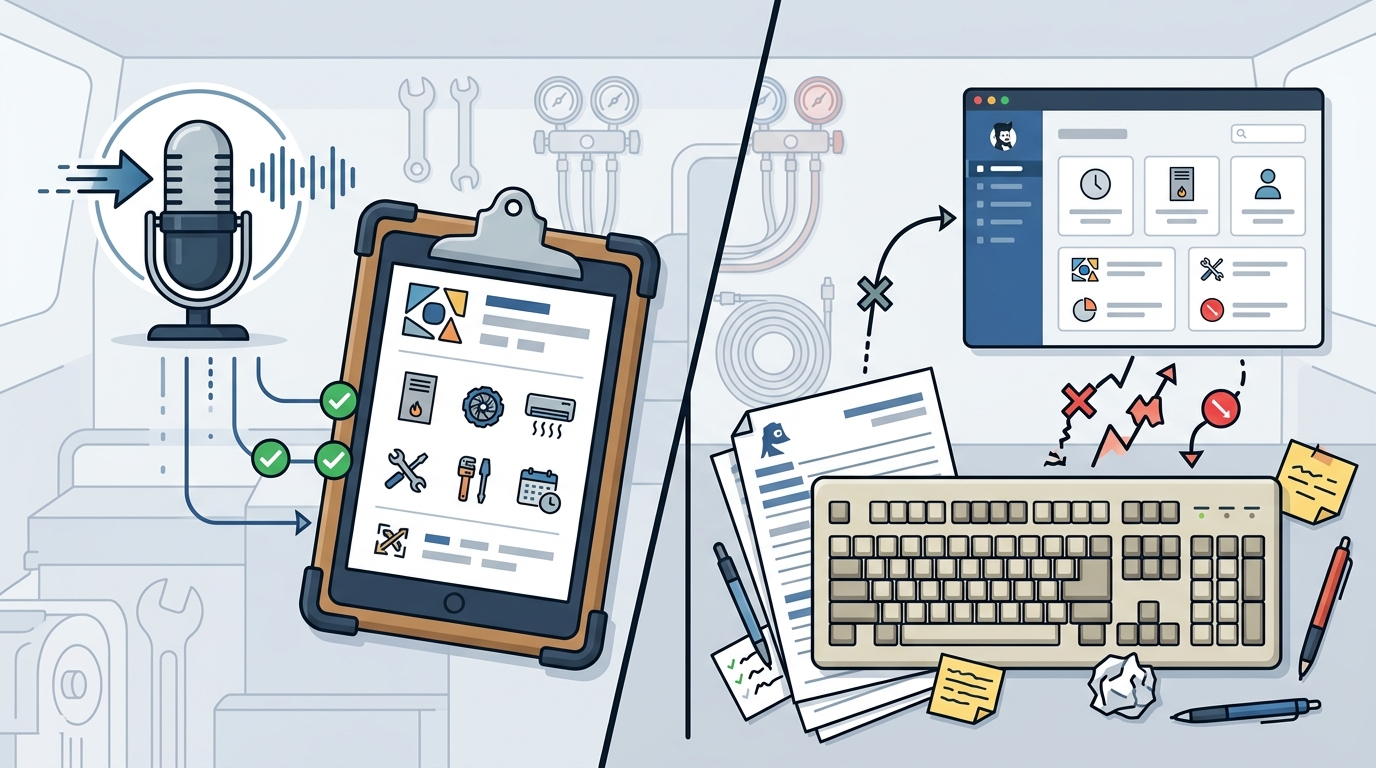
Common Typing Mistakes
Typing on a mobile keyboard is prone to typos and autocorrect failures. A simple misspelling of a part number can cause inventory issues. A wrong date entry can lead to a missed follow-up appointment. These small errors accumulate over time and create a messy database. Cleaning up this data takes valuable time that could be spent on sales or service.
Context Loss
When typing, users often skip details to save time. They might note that a filter was changed but forget to mention the brand or size. Voice logging encourages a more natural, conversational flow. Users tend to provide more context when speaking than when typing. This richer data helps the business owner understand the full scope of the work performed.
Structured Data Validation
Structured data validation is the process of ensuring that input data meets specific format and logic rules. In an AI-driven system, this step is crucial for maintaining data integrity. The system checks the transcribed text against known business rules. It verifies that dates are valid, phone numbers are correctly formatted, and part numbers match the inventory database.
Automated Checks
Modern AI assistants can flag potential errors before they are saved. If a user dictates a date that is in the past for a future appointment, the system can prompt for clarification. This real-time validation prevents bad data from entering the system. It acts as a safety net for the human user.
Consistency Across Records
Manual entry often leads to inconsistent formatting. One user might write "10/12/2026" while another writes "12/10/2026." Structured validation enforces a single, consistent format across all records. This consistency makes reporting and analysis much easier. It ensures that the business data is reliable and usable for decision-making.
Comparison Table
| Speed | Fast, natural pace | Slower, requires typing |
| Error Rate | Lower, with AI validation | Higher, prone to typos | Hands-Free | Yes | No | Context Detail | Rich, conversational | Often abbreviated | Data Consistency | High, via validation | Variable, user-dependent |
Key Takeaways
- Voice logging is significantly faster than manual typing on mobile devices.
- Speaking allows for more detailed and contextual job notes.
- AI validation reduces the risk of data entry errors.
- Hands-free operation improves safety and workflow in the field.
- Structured data ensures consistency across all business records.
- Reducing admin time allows owners to focus on growth and service.
Frequently Asked Questions
Is voice logging accurate enough for business records?
Can I use voice logging in noisy environments?
Most modern devices and AI systems are designed to filter out background noise. While extreme noise can be a challenge, typical job site sounds are usually manageable.
Does voice logging require an internet connection?
Generally, yes, the audio needs to be sent to a server for processing. However, some systems allow offline capture that syncs later.
How does AI validation work?
The AI checks the transcribed text against business rules. It verifies formats, dates, and known data points to ensure accuracy.
Is manual entry completely obsolete?
Not entirely. Some users may prefer typing for specific tasks. However, for most field service workflows, voice is more efficient.
Can I edit voice notes after they are transcribed?
Yes, the transcribed text is editable. You can review and adjust the notes before they are finalized in the system.