

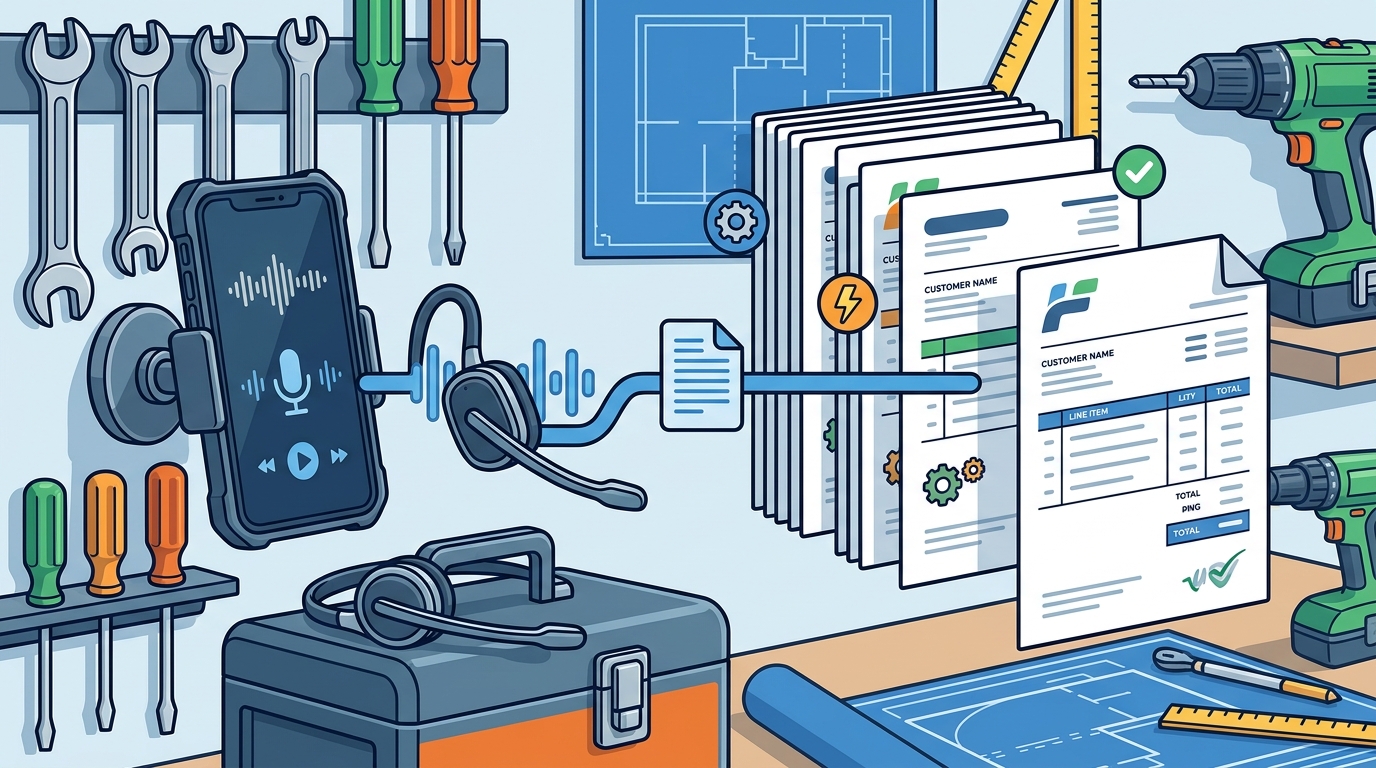
Contractors can automate billing by speaking job details into a mobile app that converts audio into structured invoices. This method eliminates manual data entry, reducing errors and saving hours of administrative time. HeyFred enables this workflow by allowing users to dictate customer names, line items, and totals, which the system then formats into professional documents ready for review and dispatch. For additional details, review the HeyFred The AI employee.
The Shift from Manual Entry to Voice Capture
Traditional invoicing requires switching between a job site, a laptop, and a billing portal. This fragmentation leads to delayed payments and data entry errors. Voice capture bridges the gap between field work and back-office tasks. By speaking notes immediately after a job, contractors ensure data accuracy while the details are fresh. This immediacy is the core benefit of voice-first automation.
How Voice Commands Structure Invoice Data
This structure ensures that invoices are consistent and professional. HeyFred uses this parsing to create draft invoices that you can review before sending. You can adjust line items or add notes via voice or text. The system maintains a record of all interactions, creating a clear audit trail. This level of detail is difficult to achieve with manual entry, especially in noisy field environments.
Reducing Friction in the Payment Cycle
Slow invoicing leads to slow payments. When invoices are generated and sent immediately after job completion, the payment cycle accelerates. Automation removes the delay between finishing work and requesting payment. This speed is critical for cash flow management in small businesses. Contractors often wait days to invoice because they are busy with physical labor.
By using a voice-first tool, you can send invoices from your phone in under a minute. HeyFred integrates with payment processors to facilitate quick collection. You can track which invoices are paid and which are overdue without logging into a complex dashboard. The system sends reminders automatically, reducing the awkwardness of chasing payments. This automation keeps your revenue pipeline moving smoothly.
Accuracy and Review in Automated Workflows
Automation does not mean removing human oversight. It means removing manual data entry. You still review every invoice before it is sent. This review step ensures that the AI interpreted your voice correctly. If a number is misheard, you can correct it instantly. This human-in-the-loop approach balances speed with accuracy.
HeyFred allows you to see exactly what the AI understood from your voice command. You can edit any field before finalizing the document. This transparency builds trust in the automation process. It also ensures that you remain responsible for the final output, which is essential for business compliance. The goal is to make the review process fast, not to eliminate it.
Key Takeaways
- Voice commands convert spoken job details into structured invoice data instantly.
- Automation reduces the time spent on manual data entry and formatting.
- Immediate invoicing accelerates the payment cycle and improves cash flow.
- Human review remains a critical step to ensure accuracy in automated documents.
- Tools like HeyFred are built specifically for the workflows of home-service professionals.
- Consistent invoice formatting enhances professional credibility with customers.
- Automated reminders reduce the administrative burden of chasing unpaid invoices.
Frequently Asked Questions
Can I edit an invoice after it is generated by voice?
Yes. You can review and edit any field in the invoice before sending it. The system allows you to adjust amounts, descriptions, and customer details via text or voice.
Does voice billing work in noisy environments?
Modern voice recognition is designed to handle background noise. However, speaking clearly and minimizing loud distractions improves accuracy. HeyFred is optimized for field conditions.
How does the system know which customer to bill?
You specify the customer name in your voice command. The system matches the name to your existing customer records. If the customer is new, you can add them during the process.
Is my voice data stored permanently?
HeyFred transcribes audio to text and uses the text to perform actions. The audio is not stored after transcription, ensuring privacy and data efficiency.
Can I send invoices from my phone?
Yes. The entire workflow, from voice capture to invoice dispatch, can be completed on a mobile device. This allows you to bill while on the job site.
What happens if the AI mishears a number?
You will see the transcribed number during the review step. You can correct it before sending the invoice. This review process prevents errors from reaching the customer.