

Home service businesses lose revenue when calls go unanswered or appointments are booked incorrectly. The right call handling features automate the intake process, ensuring every lead is captured and scheduled efficiently. HeyFred focuses on these critical capabilities to help contractors stay on the tools while their business runs in the background.
1. AI-Powered Voice Answering
AI voice answering ensures no lead is missed, even when your phone is in your pocket. This feature uses natural language processing to understand customer requests in real time. It can handle common questions about availability, pricing, and service areas without human intervention. For home service pros, this means immediate response times that build customer trust. For additional details, review the Terms of Service HeyFred.
2. Automatic Appointment Booking
Automated booking slots customers directly into your calendar based on real-time availability. The system checks your schedule and offers the next available time that fits the job type. This eliminates the back-and-forth of finding a mutual time. It reduces the administrative burden on your team and speeds up the path from call to job. For additional details, review the Privacy Policy HeyFred.
3. Intelligent Lead Qualification
Lead qualification asks the right questions to prioritize high-value jobs. The AI can ask about the scope of work, urgency, and property type. This helps you distinguish between a quick fix and a major project. By capturing these details upfront, you can dispatch the right technician with the right parts. For additional details, review the HeyFred Your AI business.
4. Real-Time Schedule Syncing
Real-time syncing ensures the phone system always reflects your current availability. If a job is moved or cancelled, the call system updates instantly. This prevents double-booking and keeps your team informed. It creates a single source of truth for your schedule across all channels.
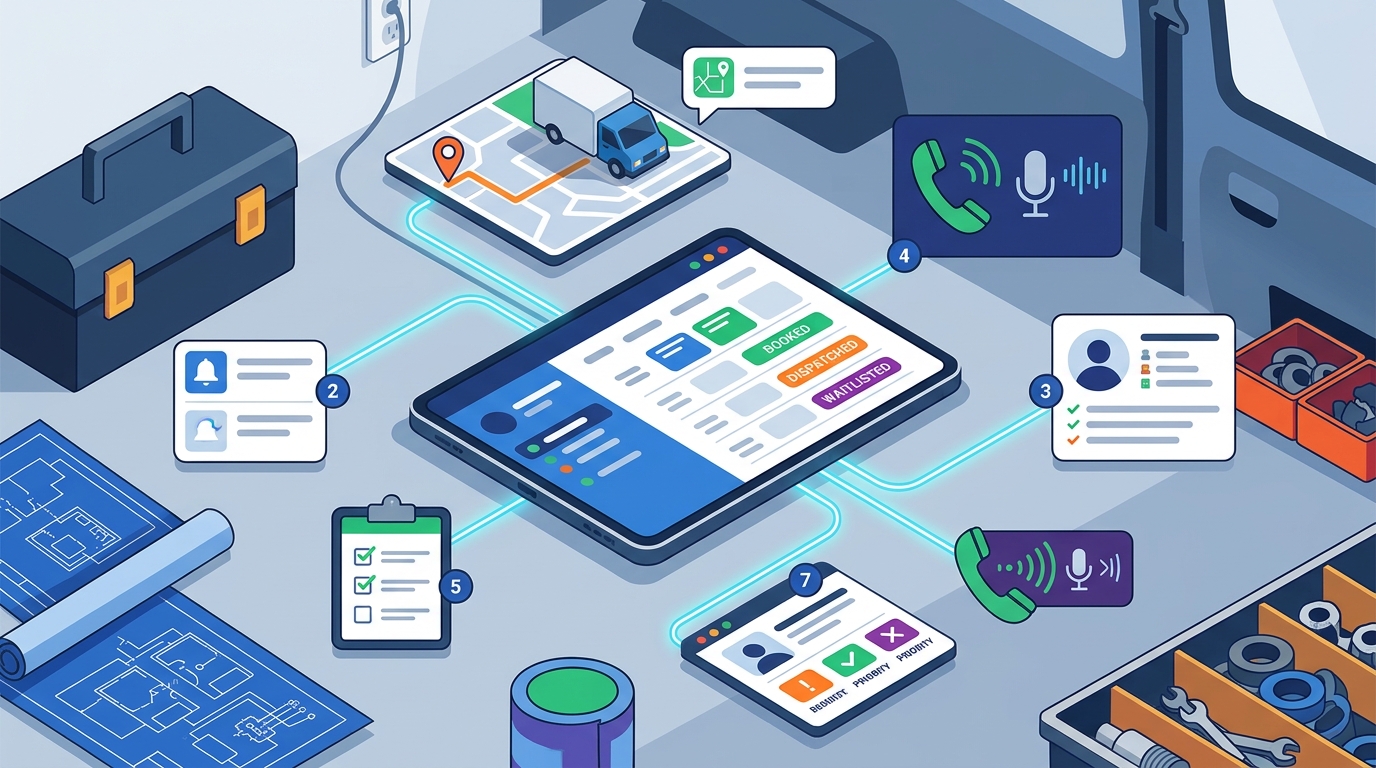
5. Voice-to-Text Job Notes
Voice-to-text conversion captures detailed job notes without typing. After the call, the system transcribes the conversation into structured notes. You can review these notes to understand the customer's specific needs. This feature is particularly useful for complex jobs that require detailed instructions.
6. Automated Follow-Up Messages
Automated follow-ups confirm appointments and reduce no-shows. The system sends text or email reminders to customers before their scheduled time. It can also send a final reminder on the day of the job. These messages keep customers engaged and reduce the need for manual confirmation calls.
7. Call Recording and Transcripts
Call recordings provide a complete record of every interaction. You can listen to the call or read the transcript to verify what was discussed. This is valuable for resolving disputes or training new staff. It ensures accountability and transparency in your customer service process.
Choosing the Right Features
Frequently Asked Questions
Does HeyFred work with existing phone systems?
HeyFred is designed to integrate with your current workflow. It can handle calls and update your schedule without requiring a complete phone system overhaul. Check the integration options available in your plan.
Can the AI handle complex scheduling requests?
How does voice-to-text improve job notes?
Voice-to-text captures the exact words used by the customer. This provides more accurate context than manually typed notes. It helps technicians understand the specific issues they will face on site.
Is there a limit to the number of calls I can handle?
Call handling capacity depends on your specific plan. Most plans offer unlimited or high-volume call handling to ensure you never miss a lead. Review your plan details for specific limits.
Can I customize the AI's greeting?
Yes, you can customize the AI's greeting to match your brand voice. You can specify how the AI should introduce itself and what information to provide. This ensures a consistent customer experience.
How do I get started with HeyFred?
You can start by creating an account on the HeyFred platform. The setup process guides you through connecting your schedule and configuring your call handling preferences. Visit the HeyFred signup page to begin.